


Kill switch
If the VPN drops, devices are blocked at once, with no fallback.
How it works
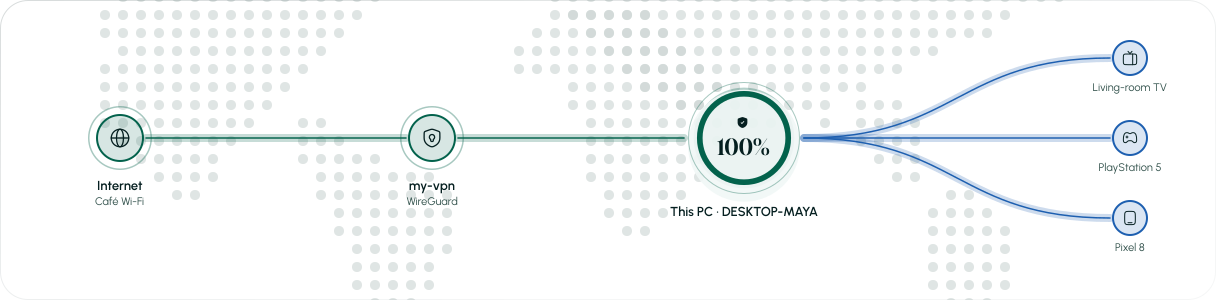
Windows normally sends hotspot traffic straight to the internet. TetherNode puts its own engine in the middle.
Step 1
A signed network driver picks up each packet from your devices before Windows can route it.
Step 2
TetherNode rewrites each packet so it leaves through your VPN, and replies come back the same way.
Step 3
Windows’ own route to the internet is blocked, so anything that can’t use the VPN is dropped instead of leaked.
Step 4
Devices are told to use DNS that goes through the VPN, even if they were set to another resolver.
When the VPN drops
If the VPN drops, devices are blocked at once, with no fallback.
If the app is closed or crashes, the hotspot shuts down within seconds.
Every device’s lookups go to your VPN’s resolver.
The VPN carries IPv4, so devices can’t leak over IPv6.
Your PC’s own DNS stays inside the VPN too.
A hotspot left over from a previous run is switched off, never silently reused.
Runs on the official kernel driver that ships with the app. Import a .conf and connect.
Uses your own OpenVPN 2.6+ install. The app checks for it and links the official download.
Already use a VPN app from your provider or work? Connect it as usual, then pick its network adapter in TetherNode.
Free 24-hour trial · one per account and computer


